

Creating your Voxido account
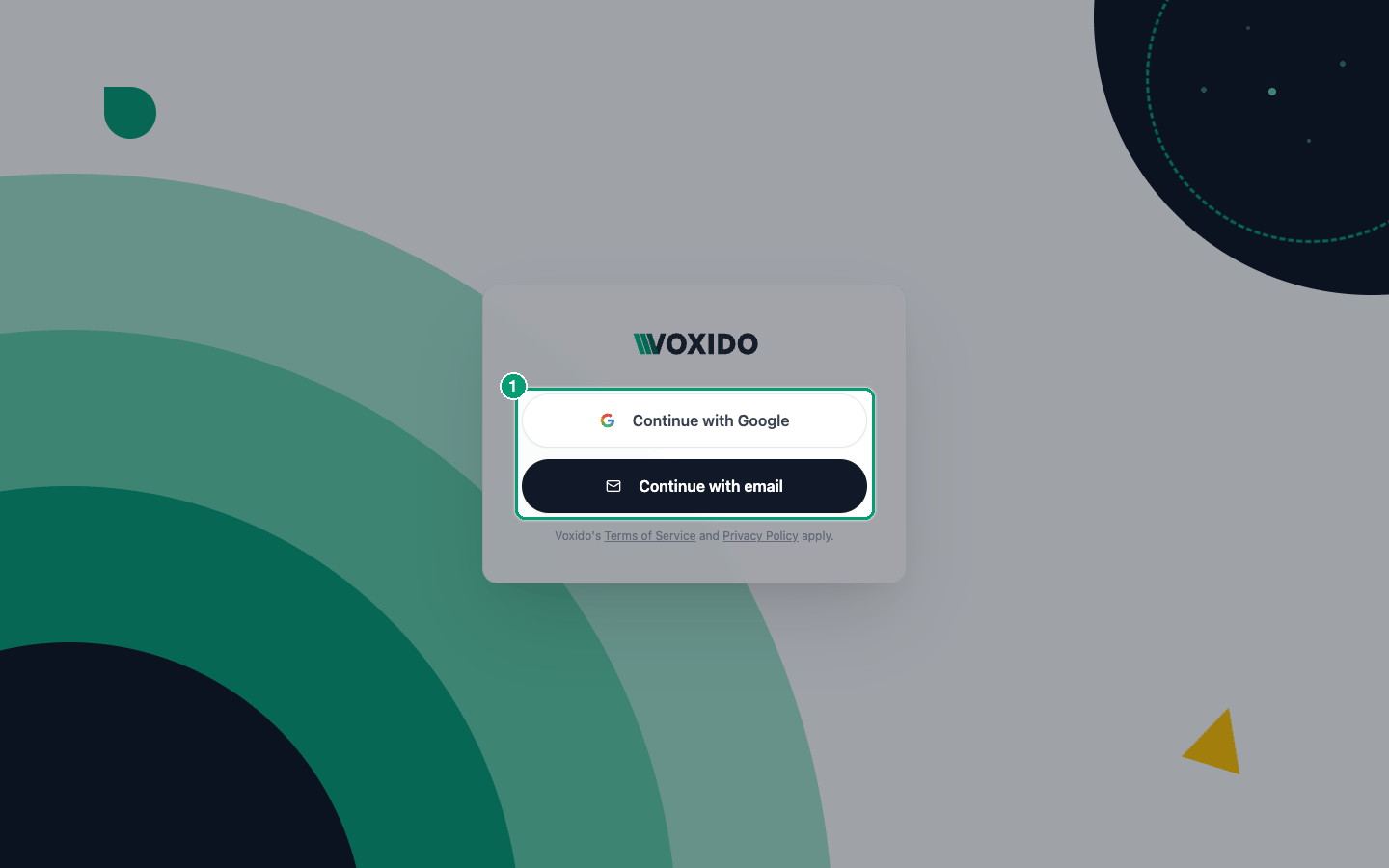
You sign up and sign in on the same screen. There is no long form. You use Google, or Voxido emails you a sign-in link.
Find it: go to app.voxido.ai. You'll land on the sign-in screen.
Before you start
- Use your work email (for example
you@brightway.com). Voxido is for businesses, so new accounts can't use free personal email like Gmail or Yahoo. People who already have an account can still sign in with any email. - Keep your inbox open. The email link arrives in a minute or two.
Pick how to sign up
| If you want… | Choose | Why |
|---|---|---|
| The fastest start, no password | Continue with Google | Your work Google account signs you in. You never set a Voxido password. |
| To use any work email | Continue with email | Voxido emails you a one-time sign-in link (a "magic link"). You set a password once, after the first sign-in. |
Sign up with Google
- Click Continue with Google. You'll see: Google asks which account to use.
- Pick your work Google account. You'll see: the setup screen, "Welcome, your first name". Go to Setting up your workspace.
Sign up with an email link
- Click Continue with email. You'll see: an email box and the note "We'll email you a secure magic link."
- Type your work email, then click Send link. You'll see: Success! and "Please check your inbox for a link to continue."
- Open the email from Voxido and click the link. You'll see: the Set Your Password screen.
- Type a new password twice, then click Continue. You'll see: a "Password set" message, then the setup screen.
Your password needs:
- At least 8 characters
- One uppercase letter
- One number
After that, you can sign in with your email and password, or with a new email link. Both work.
TIP
You'll always see the same "check your inbox" screen, even if the email already has an account. This is on purpose, so nobody can find out who uses Voxido.
Sign in next time
- Google: click Continue with Google.
- Email link: click Continue with email, then Send link.
- Password: click Continue with email, then Use Password?. Type your email and password, then click Sign In.
Forgot your password? On the password screen, click Forgot password?.
Where you land after signing in
Voxido sends you to the right place by itself:
- No password yet (email-link sign-up)? You go to Set Your Password.
- No business set up yet? You go to the setup screen.
- Everything ready? You land on Overview.
If a teammate invited you, you join their business instead of creating a new one. See Inviting a teammate.
Common problems
"If you'd like to use a Gmail account, email info@voxido.ai to request access." You tried to create a new account with a free personal email using Google. Use your work email instead. If you must use Gmail, click Request access. It opens an email to info@voxido.ai. Once Voxido approves your address, sign up again.
The email link shows an error when I use Gmail or Yahoo. The same rule: new accounts need a work email. Use your company address, or write to info@voxido.ai.
"That link is invalid or has expired." Email links work once and expire. Go back and click Send link again.
"Email not verified. Please check your inbox." Your account was made with a password but the email was never confirmed. Sign in with Continue with email and Send link instead.
"Your session expired. Please sign in again." You were signed out after a long time away. Sign in again.